Dashboard navigation
Find sites, date controls, analytics, experiments, personalization, settings, and account actions.
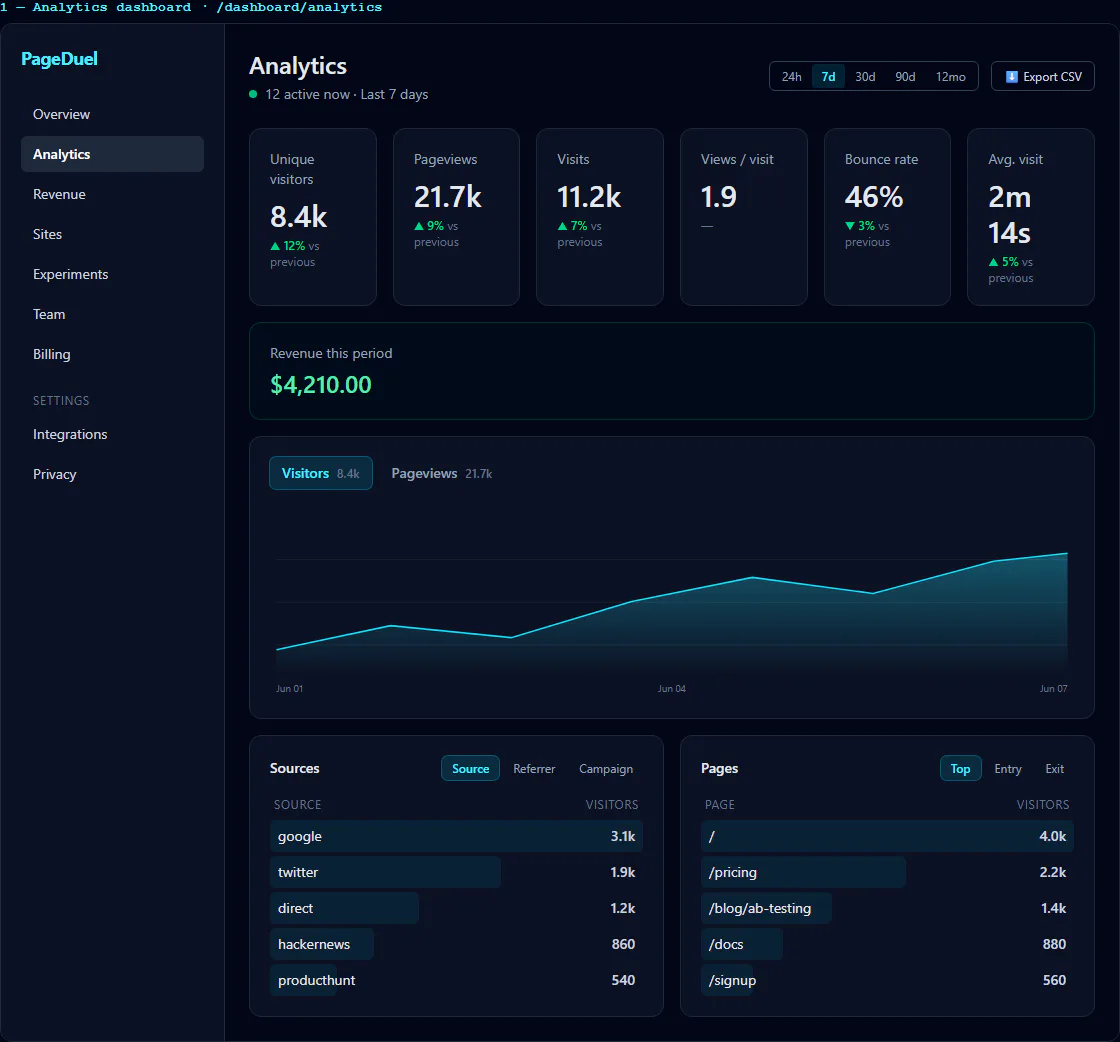
Use the sidebar to move between Overview, Analytics, Revenue, Experiments, Personalization, Page Generator, Sites, Team, Billing, and Settings. Collapse it when you need more workspace.
Open Personalization to change text and images on an existing page using URL parameters. Your installed PageDuel snippet delivers published changes.
The site selector scopes compatible pages to one site or all sites. Analytics controls also provide date ranges, custom dates, previous/next period navigation, filters, and comparison data. The theme control switches the interface appearance. Account actions, including sign out, are available from the navigation footer.