Getting started
Install and verify PageDuel
Add the PageDuel snippet to your site and confirm that it receives real pageviews.
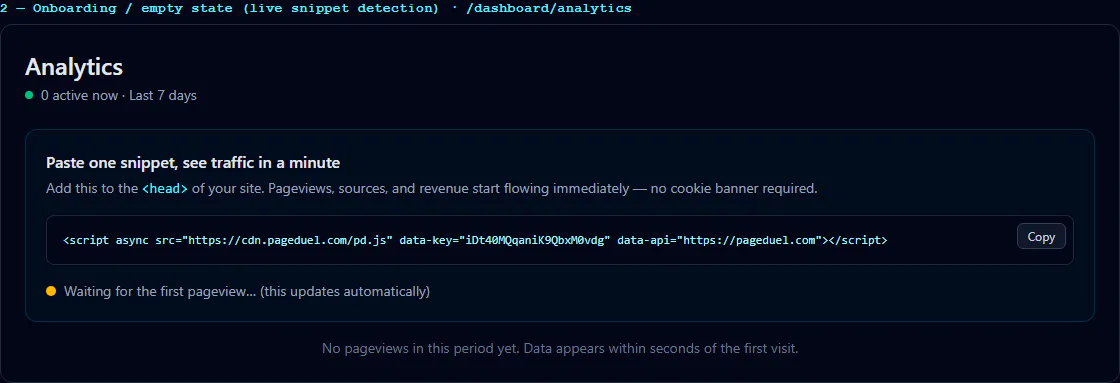
Open Sites, select your site, and copy its generated script. Add it inside the <head> on every page, preferably through your shared layout or tag manager. Do not reuse another site's key.
After publishing, open a public page on your website and return to PageDuel. Verify installation checks for the snippet heartbeat and recent pageviews. Data normally appears within seconds.
If detection fails, confirm the deployed HTML contains the script, the registered domain matches, and a content security policy or ad blocker is not blocking cdn.pageduel.com or the PageDuel event endpoint. See installation troubleshooting.